
You can download your students’ responses at any time.
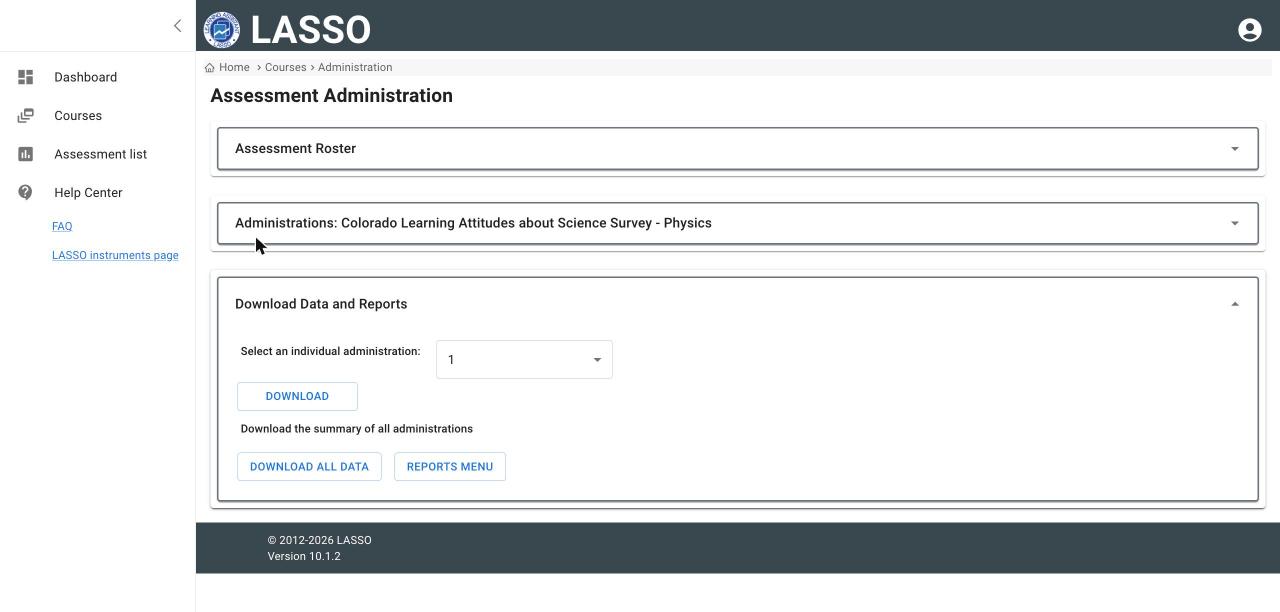
- Open the assessment’s administration page and open Download Data and Reports.
- For one administration, choose it under Select an individual administration and click DOWNLOAD.
- For all administrations together, click DOWNLOAD ALL DATA.
Next: View reports
All instructor guides | Help Center home
Verified on LASSO version 10.1.2, October 2026. Questions? Email contact@lassoeducation.org.